
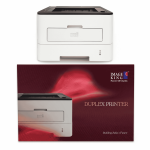
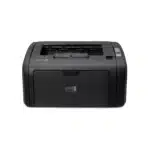
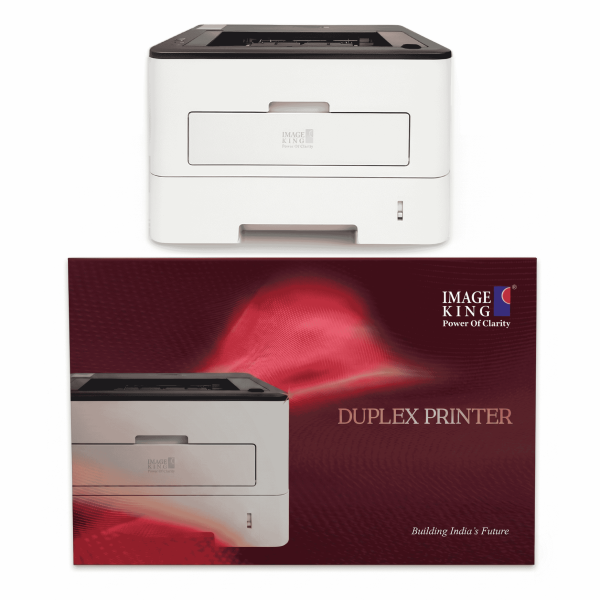
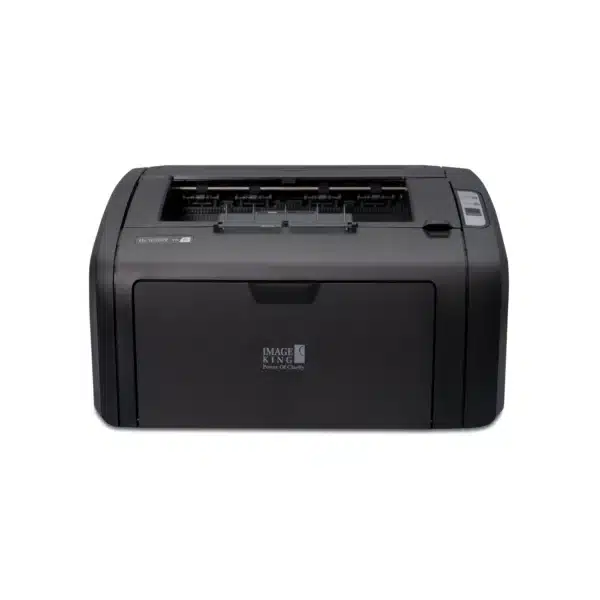
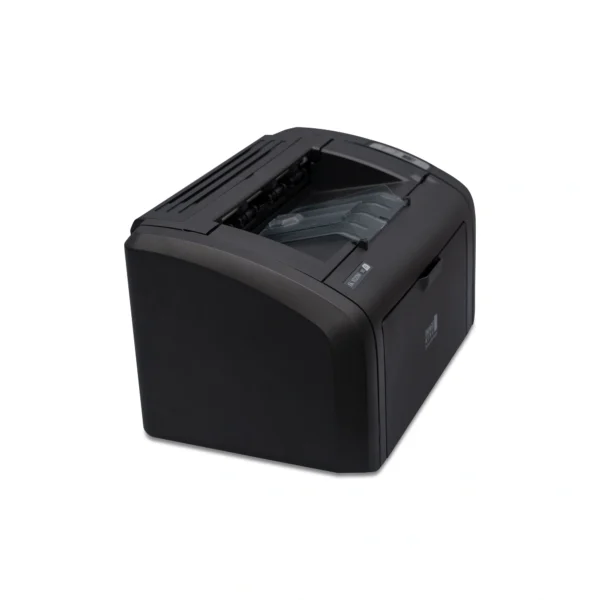
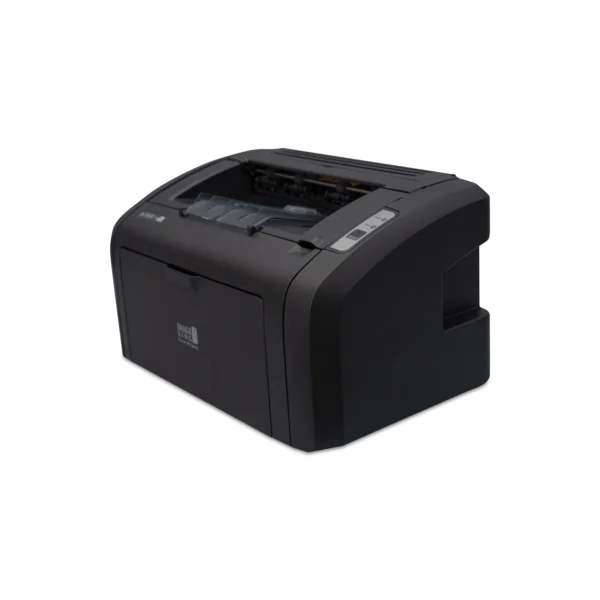
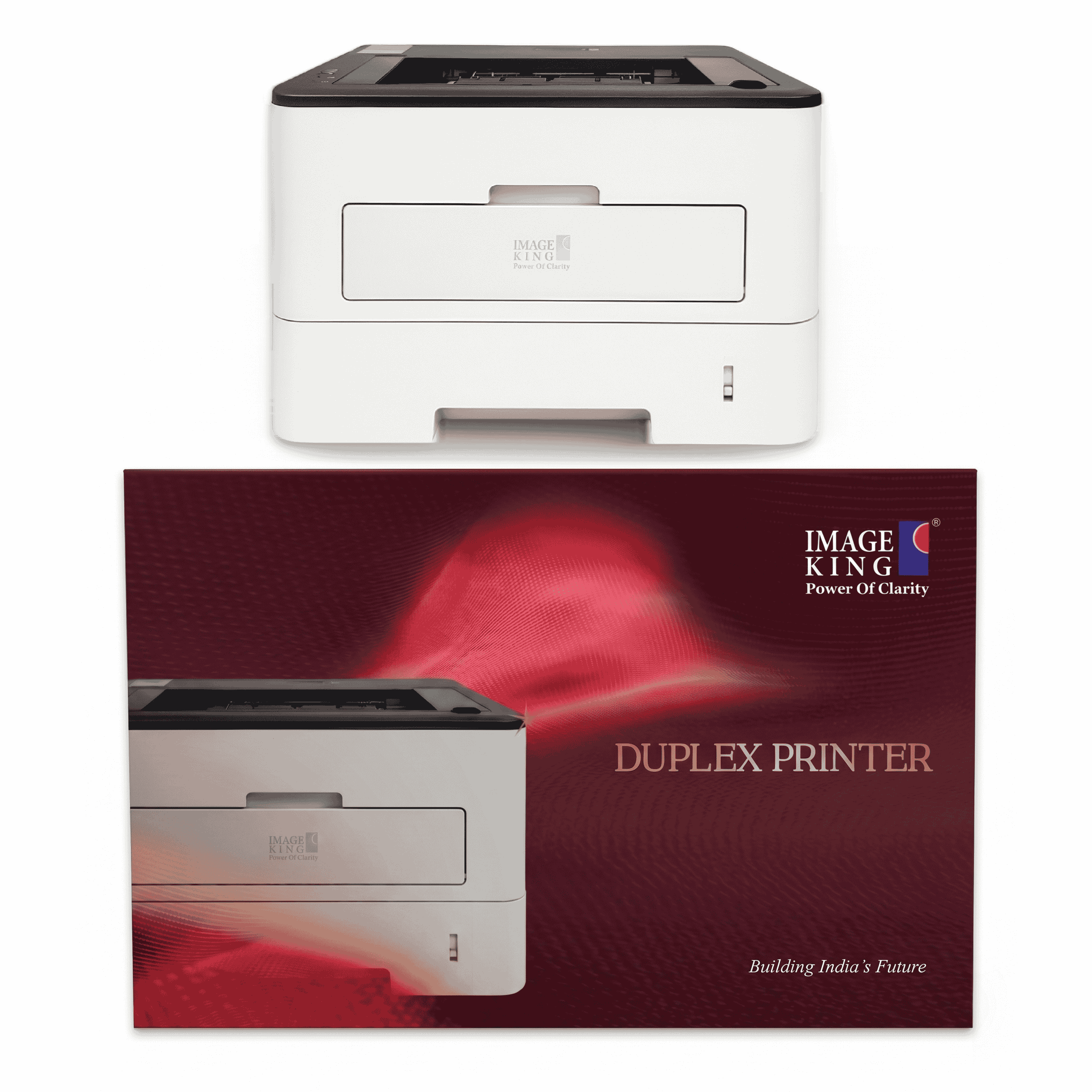
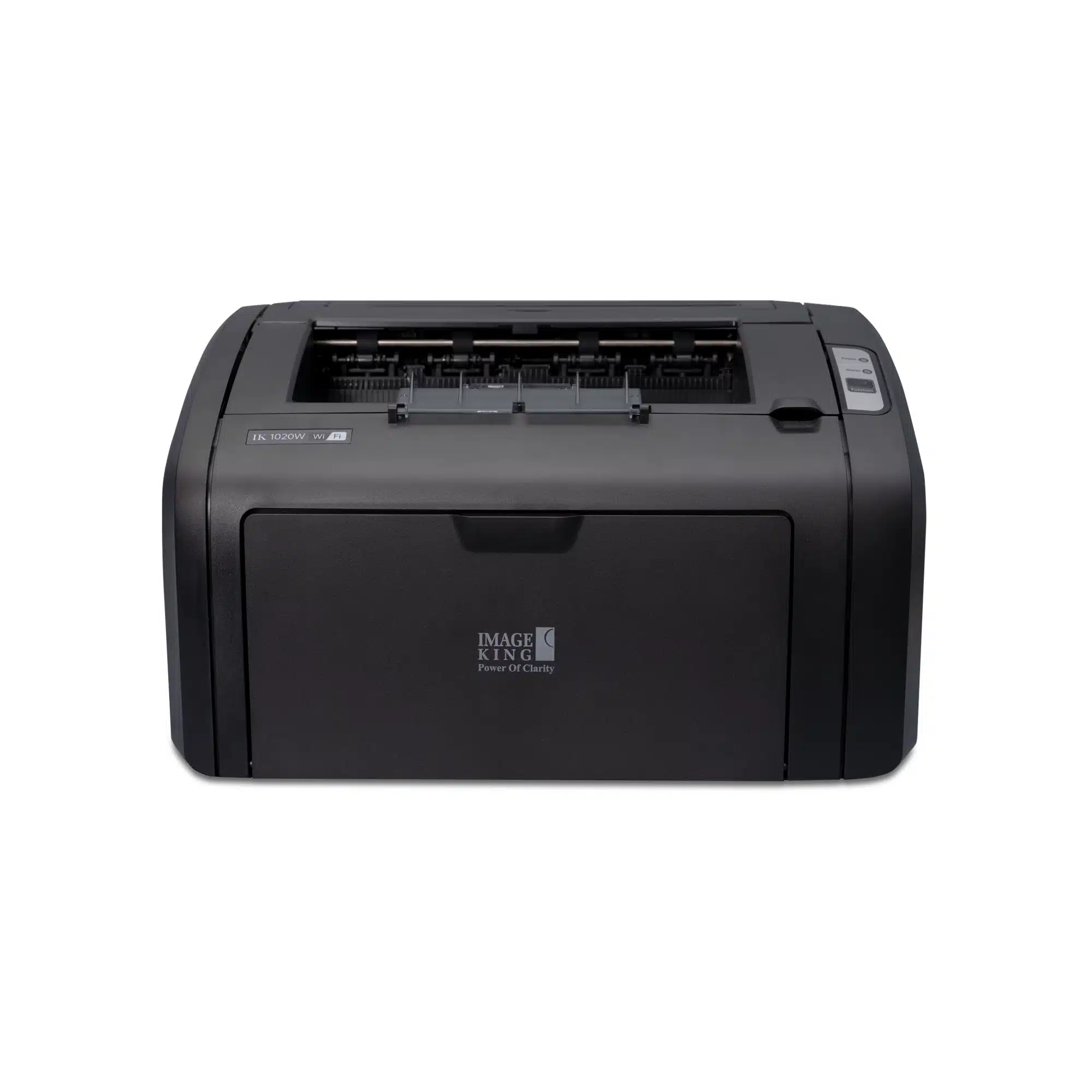
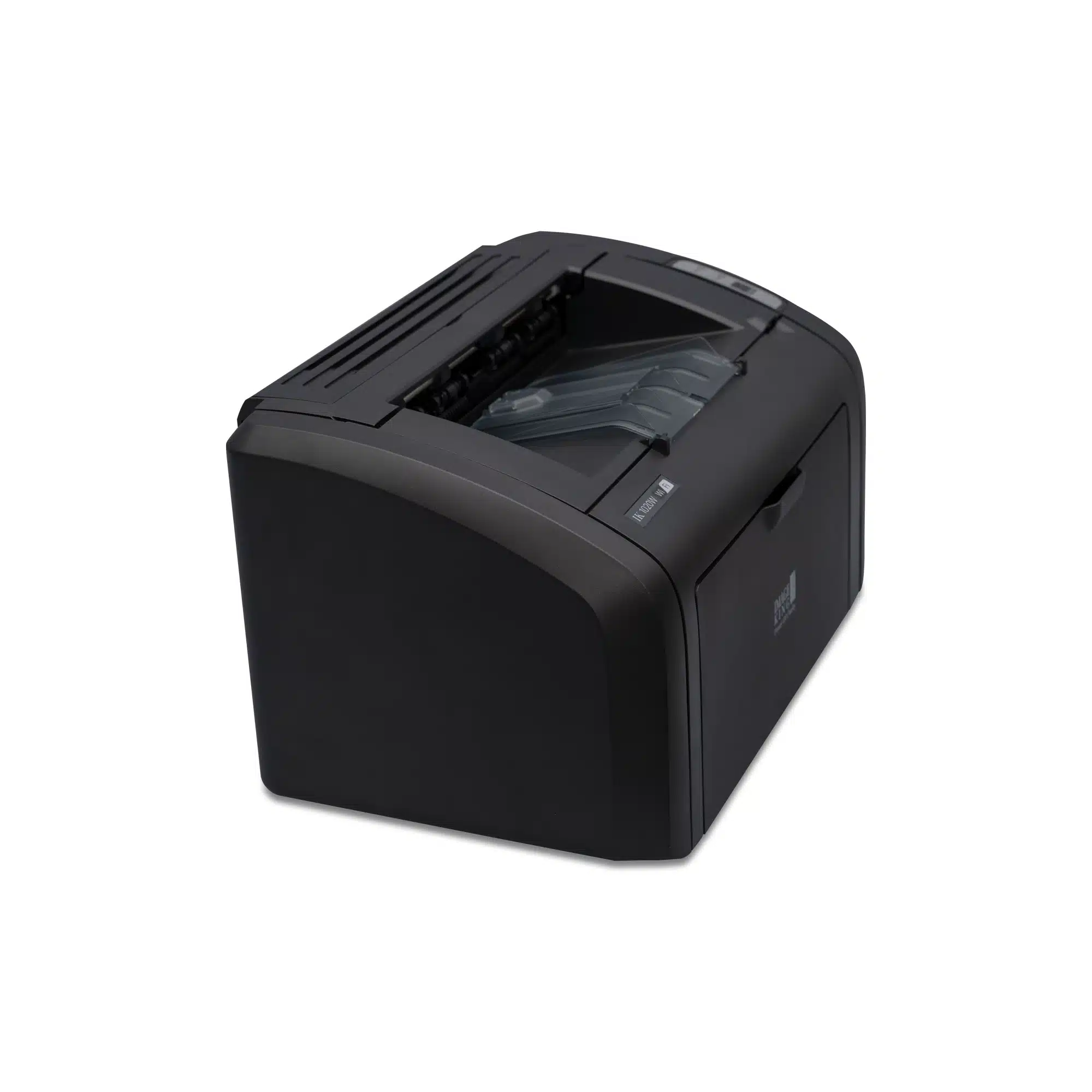
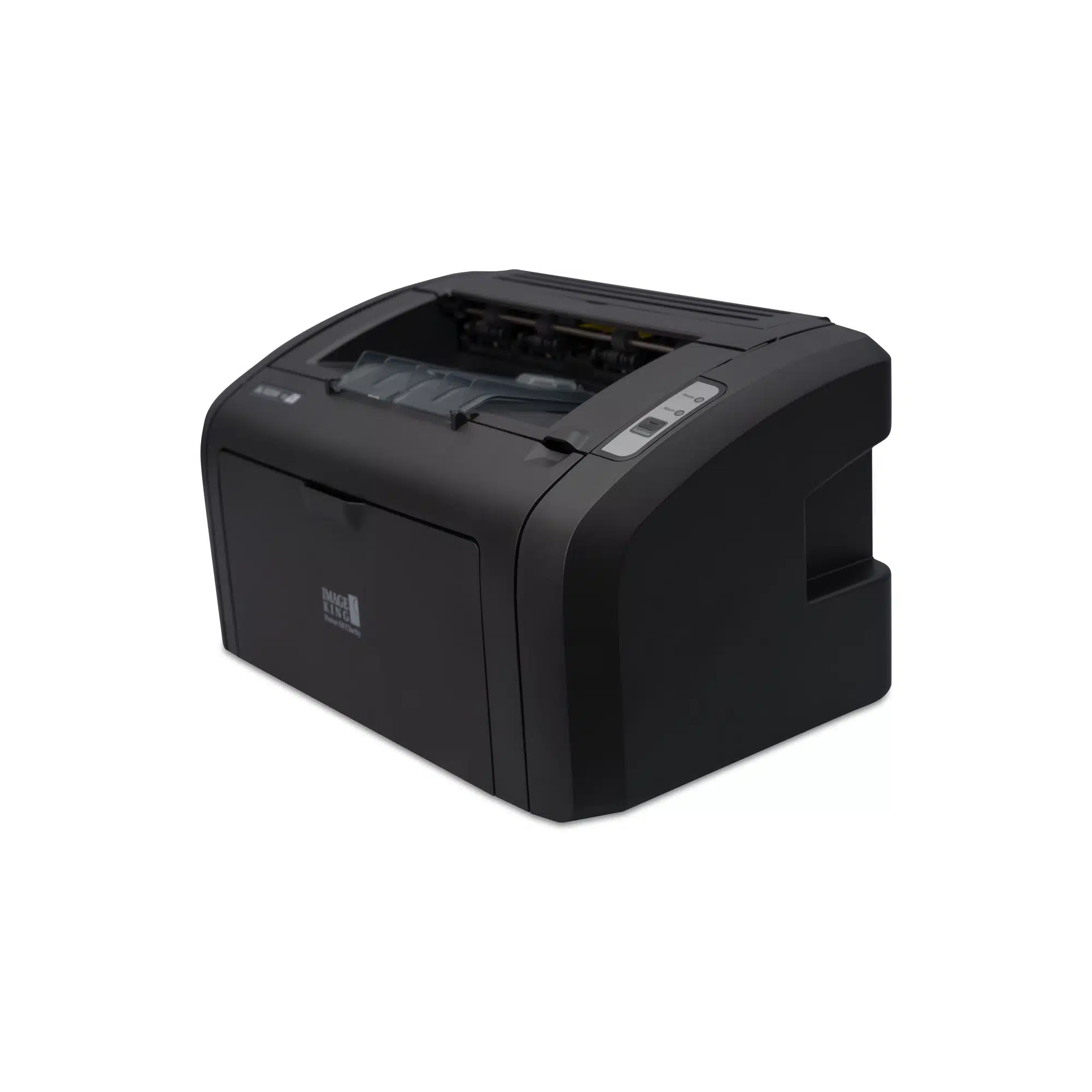
Image King IK 1020DWN WiFi Laser Printer
Specifications
Connectivity
Paper & Media
Performance
Operating System Compatibility
Environmental Requirements
Frequently asked questions
What does “DWN” mean in the IK 1020DWN model name?
DWN stands for Duplex, WiFi, and Network. The IK 1020DWN features built-in automatic duplex printing, WiFi wireless connectivity, and a dedicated LAN/Ethernet network port for shared office printing — making it a fully connected office printer.
What toner cartridge does the IK 1020DWN use?
The IK 1020DWN uses the standard 12A toner cartridge, which is widely available across India. The starter toner supplied with the printer yields approximately 6,000 pages, while the standard replacement cartridge yields around 2,000 pages.
Does the IK 1020DWN support automatic duplex printing?
Yes. Unlike the IK 1020W which supports manual duplex, the IK 1020DWN features automatic duplex printing — the printer flips the page automatically to print both sides, saving paper and reducing printing costs without any manual intervention.
Can multiple computers share the IK 1020DWN on a network?
Yes. The built-in LAN (Network) port allows the IK 1020DWN to be connected directly to your office router or switch, enabling multiple users on the same network to share the printer simultaneously — ideal for small and medium-sized offices.
Does the IK 1020DWN require a chip or firmware updates?
No. The IK 1020DWN is designed to operate without a chip, which means your data remains secure and you are never dependent on periodic firmware updates to keep the printer functioning.
Is the IK 1020DWN compatible with Windows 11 and Mac?
Yes. The IK 1020DWN supports Windows XP, 7, 8, 8.1, 10 (x86/x64), and Windows 11, as well as Mac OS and Linux — making it compatible with virtually all modern computers and operating systems in use today.