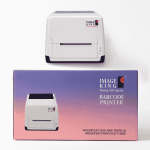
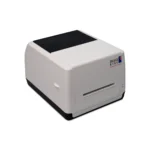
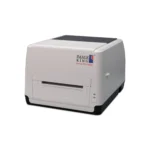
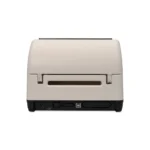
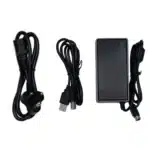
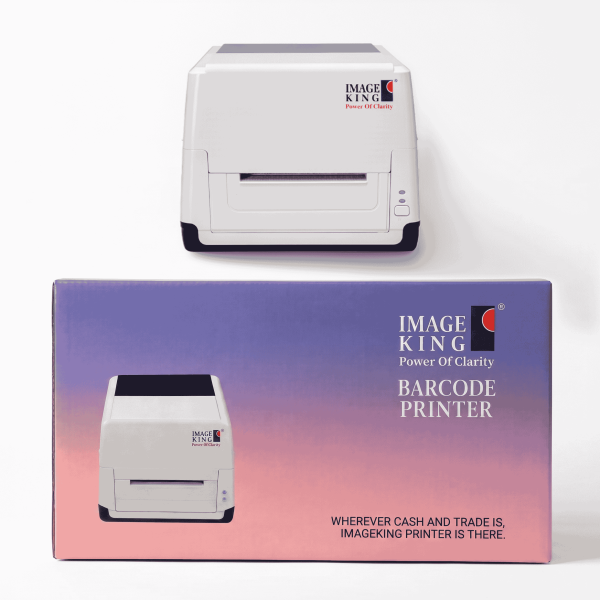
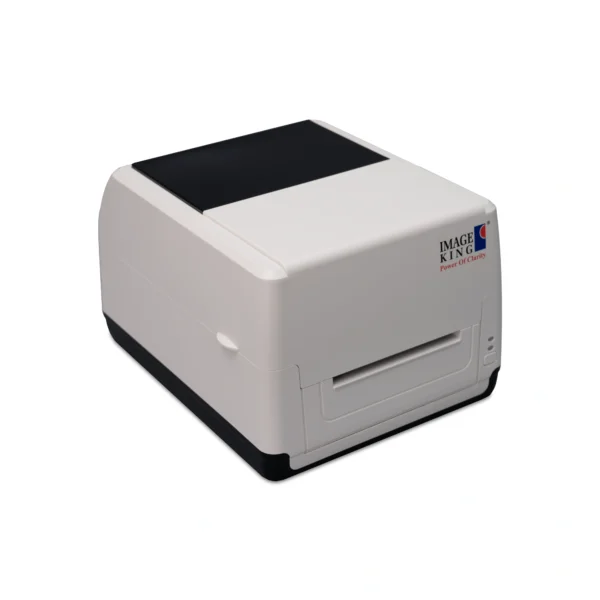
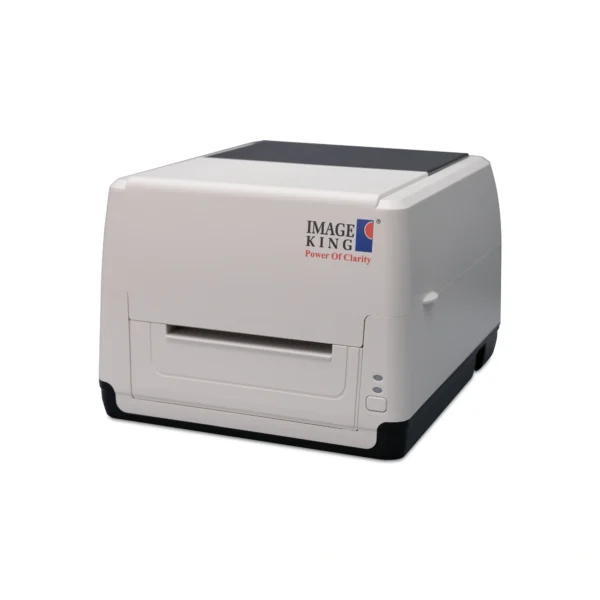
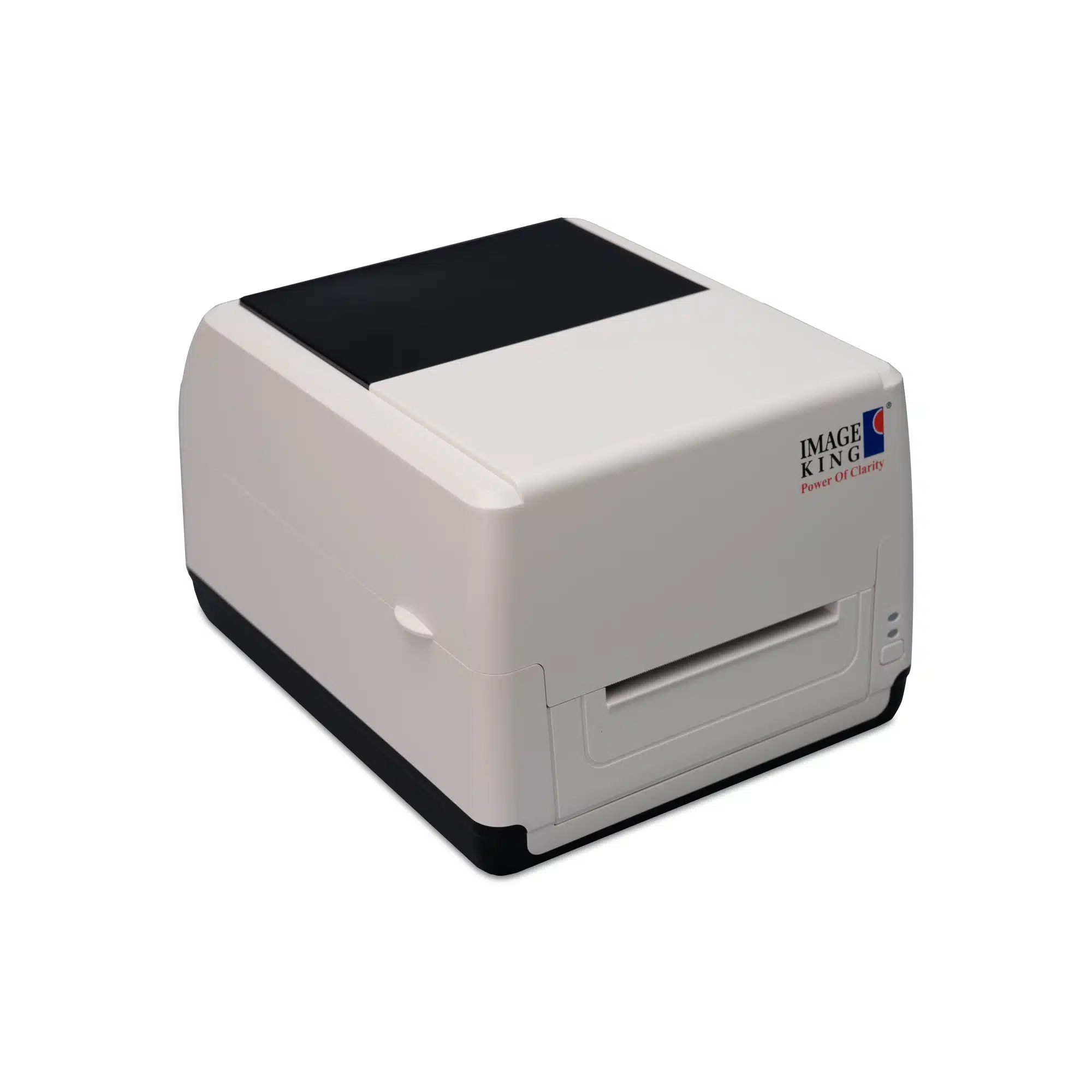
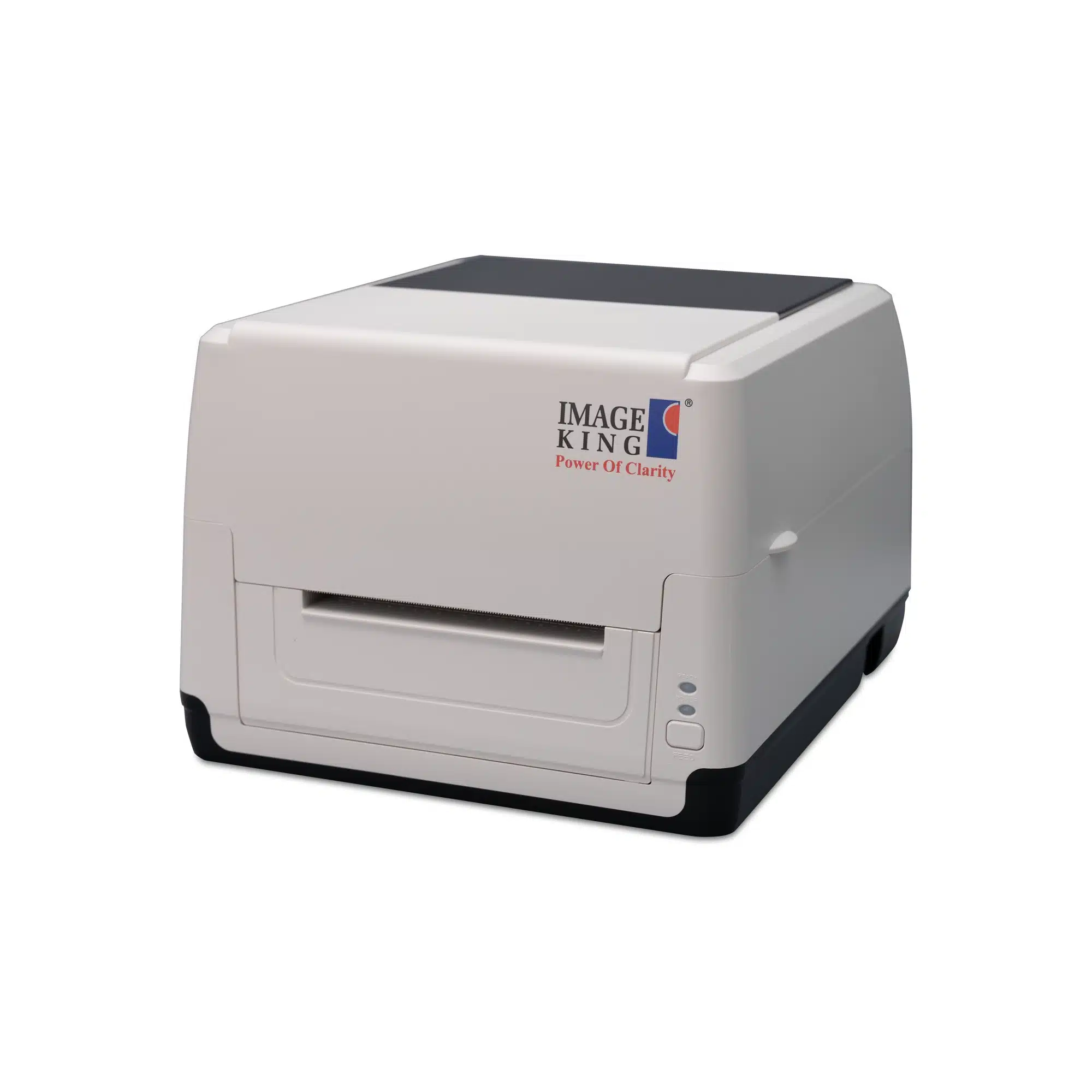
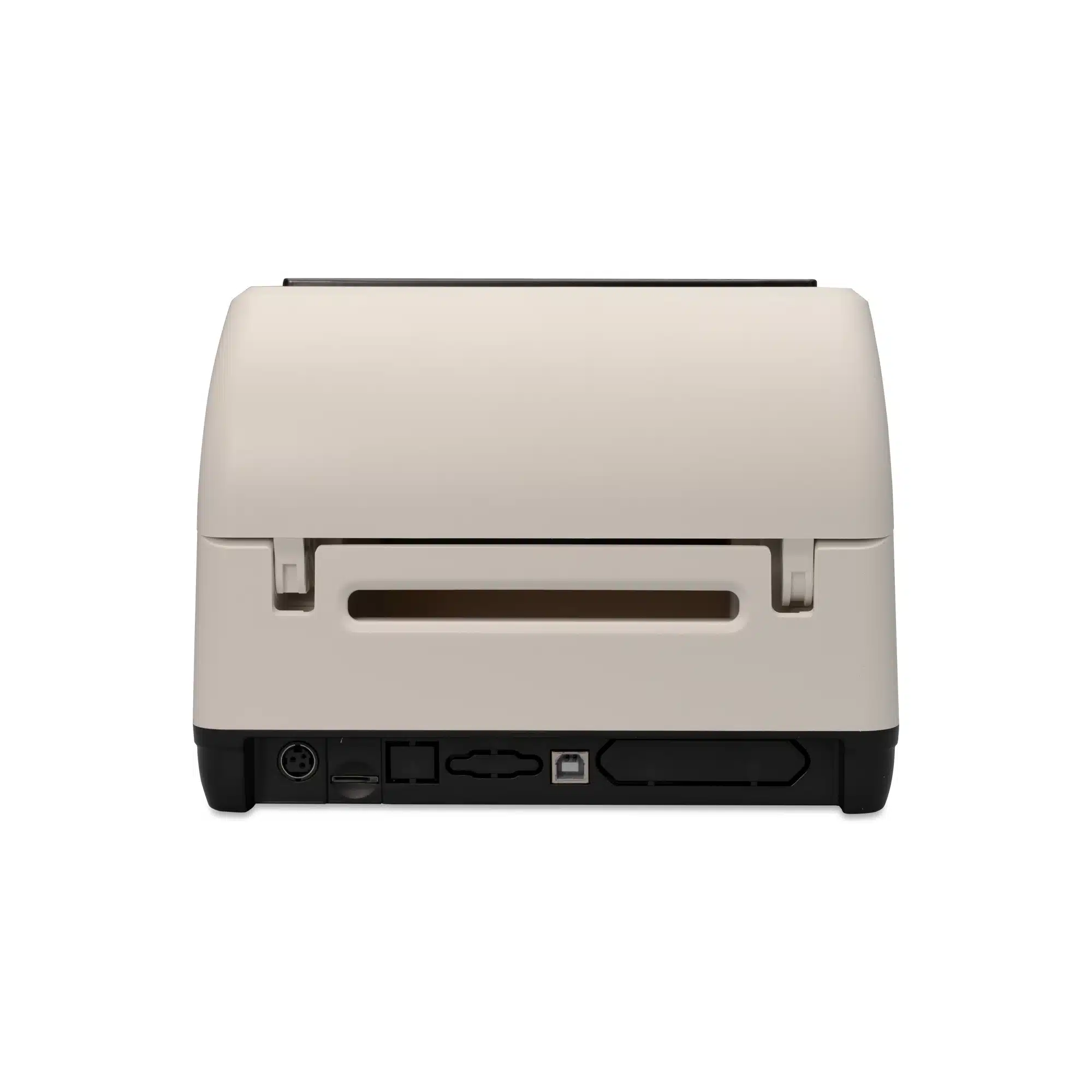
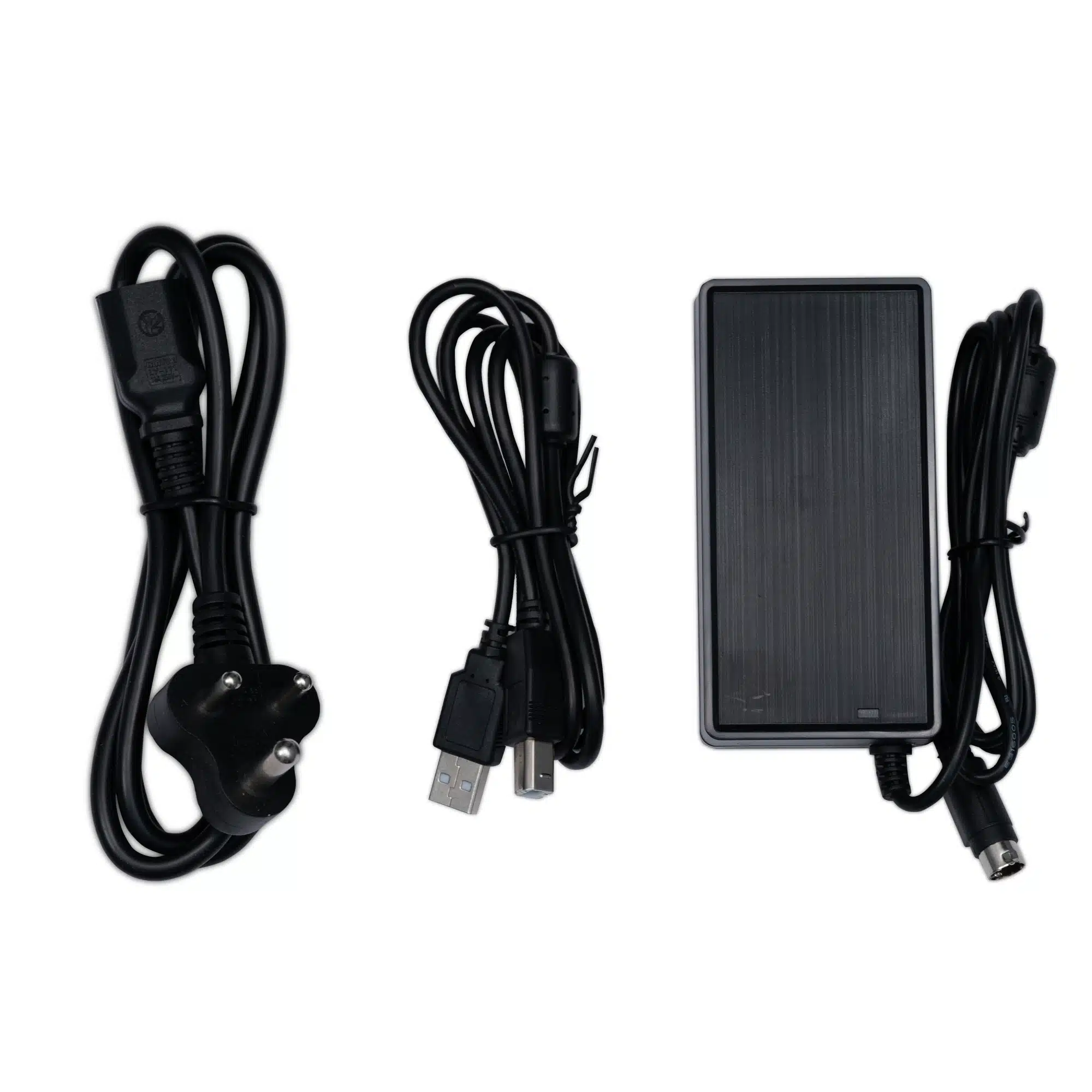
Image King Barcode Printer 7K333
Specifications
Media
Performance
Fonts, Barcodes & Symbologies
Software & Compatibility
Power Supply
Frequently asked questions
What is the difference between the 7K333 and the 7K101?
The key difference is the print method. The 7K101 supports only direct thermal printing, while the 7K333 supports both thermal transfer and direct thermal printing — making the 7K333 more versatile for printing on a wider range of label materials including synthetic and durable media requiring a ribbon.
What is the Real-Time Clock (RTC) feature?
The built-in Real-Time Clock (RTC) allows the 7K333 to automatically print the current date and time on labels without needing it to be sent from the host system — ideal for expiry date labelling, food packaging, logistics timestamps, and compliance labels.
What barcode formats does the 7K333 support?
The 7K333 supports all major 1D barcodes including Code 128, EAN-13, UPC-A, Code 39, and GS1 DataBar, as well as 2D formats including QR Code, PDF-417, DataMatrix, Maxicode, and Aztec — suitable for retail, logistics, healthcare, and manufacturing applications.
What emulation languages does the 7K333 support?
The 7K333 supports TSPL, EPL, ZPL, and DPL emulation languages, ensuring broad compatibility with most barcode label design software and existing POS or ERP systems in use.
Can I connect the 7K333 via WiFi or Bluetooth?
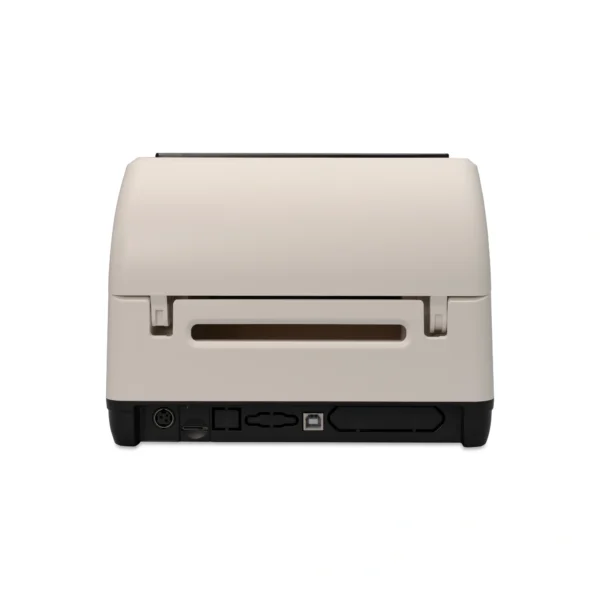
The standard version includes USB connectivity. LAN, WiFi, Bluetooth, and Serial (RS-232) interfaces are available as optional add-ons, providing flexible deployment across both wired and wireless environments.
Is the Image King 7K333 compatible with Android and iOS?
Yes. The 7K333 provides SDK support for Windows, iOS, and Android, and driver support for Windows, Linux, and Mac — compatible with mobile label printing applications and enterprise ERP systems.